
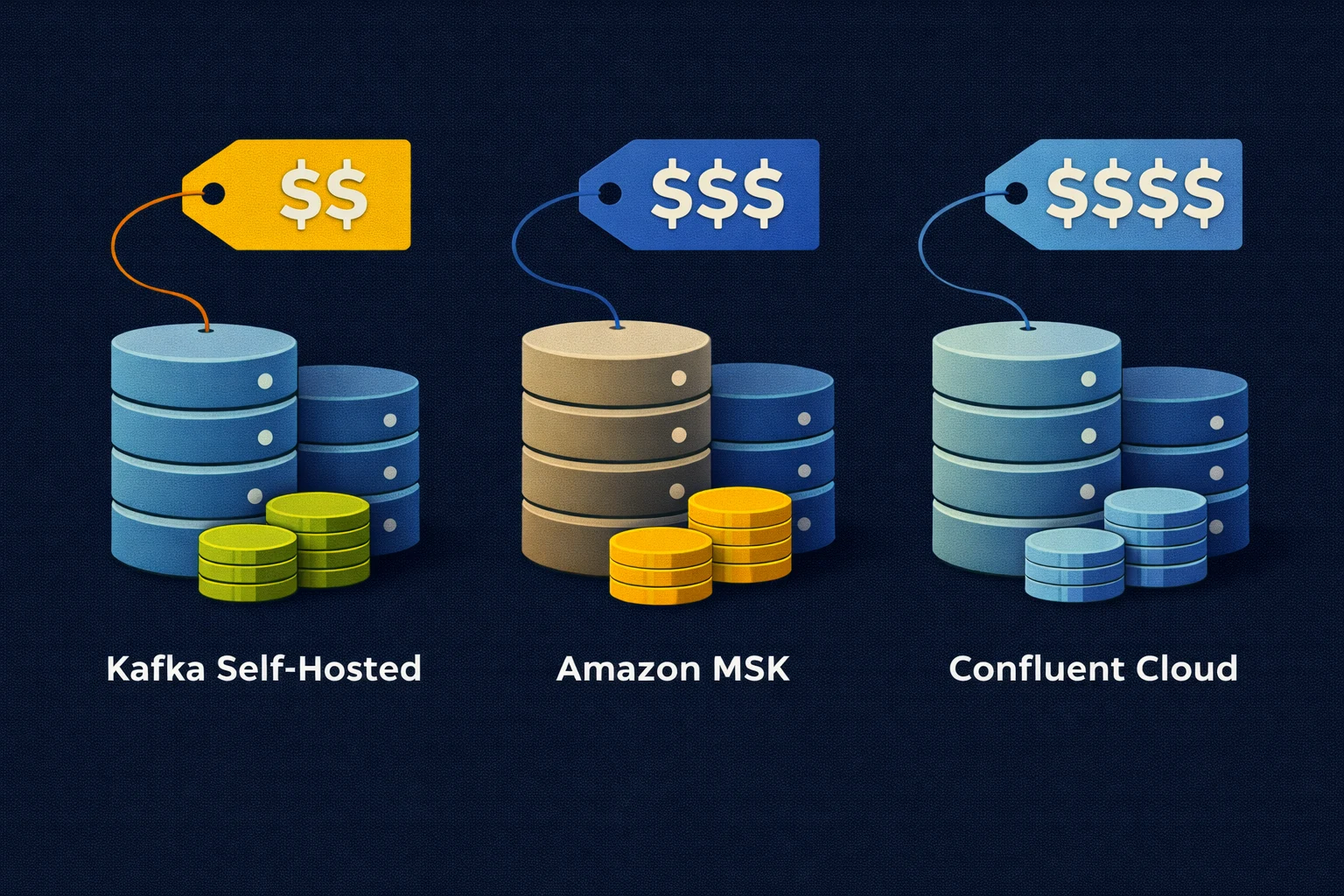
Revised edition of our original Kafka cost comparison.
You’re comparing a self-hosted Kafka deployment with Amazon MSK or Confluent Cloud and have the hourly prices in front of you. To work out what each option will cost over a month we also need to know how much data stays in Kafka and how many applications read it.
Let’s work through a deployment receiving 100 GiB a day with two consumer groups and seven days of retention. We can calculate the storage and traffic charges for that example before looking at compute capacity and the work your team will still need to do.
Keeping the same workload in each estimate lets us see where the costs come from and what changes when retention grows to thirty days. An existing Kubernetes platform may make self-hosting practical but we still need to budget for Kafka’s capacity and ongoing operation.
We’ll compare open Apache Kafka with Strimzi and AxonOps against Amazon MSK and Confluent Cloud using public prices checked on 15 September 2026. The calculations are illustrative USD budgets before tax or negotiated discounts and haven’t been validated as production sizing or throughput benchmarks.
Kafka Hosting Costs
Before putting those numbers into a monthly budget we need to separate the charges made by each service. MSK Standard and Express get their own columns because they bill storage and ingestion differently.
| Cost | Self-hosted Kafka | MSK Standard | MSK Express | Confluent Cloud |
|---|---|---|---|---|
| Kafka capacity | Broker and controller compute | Broker hours | Broker hours | eCKU hours or Dedicated CKU hours |
| Topic storage | Provisioned disks for every replica plus free space | Provisioned broker storage | Used service storage | Metered service storage |
| Data written | Infrastructure and network capacity | Client network charges where applicable | Ingestion fee plus applicable client network charges | Metered ingress |
| Data read | Infrastructure and network capacity | Client network charges where applicable | Client network charges where applicable | Metered egress |
| Replication between zones | Include cloud network charges | In-cluster transfer included | In-cluster transfer included | Check the service’s billing basis |
| Operating costs | Your team and selected tooling | Your team plus the managed service | Your team plus the managed service | Your team plus the managed platform |
For AWS we’ll use the US East N. Virginia example rates on the MSK pricing page. Confluent’s public pricing page gives ranges for some charges so we’ll carry those ranges through the example instead of choosing a price for an unspecified region.
| Published rate | Price | Basis |
|---|---|---|
MSK Standard kafka.m7g.large | $0.204 per broker-hour | N. Virginia example |
MSK Express express.m7g.large | $0.408 per broker-hour | N. Virginia example |
| MSK Standard storage | $0.10 per GB-month | Provisioned storage in the example |
| MSK Express storage | $0.10 per GB-month | Used storage in the example |
| MSK Express ingestion | $0.01 per GB | Data written to the service |
| Confluent Standard capacity | $0.75 per eCKU-hour | Public list rate |
| Confluent Standard ingress and egress | $0.035 to $0.050 per GB | Published range |
| Confluent Enterprise capacity | $1.75 to $2.25 per eCKU-hour | Published range |
| Confluent Enterprise ingress and egress | $0.020 to $0.050 per GB | Published range |
A broker-hour and an eCKU-hour buy different kinds of capacity so these prices alone can’t tell us which deployment will handle the workload. We need to size for partition counts and client connections as well as throughput because equal vCPU counts don’t establish equivalent Kafka performance.
Workload Assumptions
We’ll treat this as a cluster that has been running long enough to reach its normal retention volume. That means the storage estimate covers the full seven days of retained data throughout the month instead of gradually filling an empty cluster.
| Input | Illustrative value |
|---|---|
| Billing period | 30 days or 720 hours |
| Data written | 100 GiB per day |
| Applications reading every record | Two independent consumer groups |
| Topic retention | Seven days |
| Self-hosted replication factor | Three |
| Self-hosted disk utilisation budget | 70% after replication |
| Monthly writes | 3,000 GiB |
| Monthly reads | 6,000 GiB before replay or retries |
| Retained topic data before replication | 700 GiB |
These calculations use GiB to mean 2^30 bytes which Confluent labels GB in its billing documentation. When preparing an AWS quote we also need to check the byte definition for each charge before using the workload figures.
The written volume here is the compressed record data that Kafka stores so it can differ from the size of the original application objects. For a production forecast we would use observed disk and network measurements with the intended compression settings and add allowances for protocol overhead and internal topics.
Storage and Replication
After seven days our topics hold 700 GiB before replication and replication factor three brings the stored copies to 2100 GiB. We can then allow free space by budgeting for the data to occupy 70% of the provisioned disks.
Retained topic data       = 100 GiB/day x 7 days       =   700 GiB
Replicated topic data     = 700 GiB x 3                = 2,100 GiB
Provisioned data disks    = 2,100 GiB / 0.70           = 3,000 GiB
Data disk cost at $0.08   = 3,000 x $0.08              = $240/month
Using the illustrative gp3 rate of $0.08 from the EBS pricing page gives us a charge for the capacity provisioned in those disks. The included baseline is 3000 IOPS and 125 MB/s per volume with extra charges above those levels. Before using that estimate we also need to check whether the workload fits both the volume limits and the EC2 instance’s EBS limits.
We’ve chosen 70% utilisation for this budget and would need to revisit it if data is unevenly distributed or partition reassignment needs more room. The calculation also leaves root volumes and controller metadata storage to be added separately.
| Retention | Data before replication | Three replicas | Provisioned at 70% utilisation | gp3 data disk example |
|---|---|---|---|---|
| Seven days | 700 GiB | 2,100 GiB | 3,000 GiB | $240/month |
| Thirty days | 3,000 GiB | 9,000 GiB | About 12,858 GiB | About $1,029/month |
Changing retention from seven to thirty days takes the example’s data-disk charge from $240 to about $1029 a month without increasing the incoming traffic. For compacted topics we would need a different estimate based on retained keys and compaction behaviour instead of assuming that time determines the retained volume.
For MSK Standard we also pay for provisioned storage while Express lets the service manage storage without provisioning broker disks. We therefore need the Express billable storage quantity before applying its rate because our self-hosted total includes physical replicas and deliberately unused space.
For Confluent we need to resolve a discrepancy in the public storage descriptions before completing that part of the budget. The pricing page labels $0.08 per GB-month as pre-replication while the billing documentation describes charges based on post-replication volume. Our example would use 700 GiB under the first description and 2100 GiB under the second.
We’ll leave the Confluent storage total open until the applicable rate and replication basis are confirmed through the regional quote or Costs API.
Consumer and Replication Traffic
Our two consumer groups each read the full stream so together they generate roughly twice the reads of a single group. Adding members within either group distributes its existing partitions without creating another independent read of every record.
Over the month we have 3000 GiB of writes and 6000 GiB of reads to price using the Confluent Standard traffic range.
Ingress plus egress       = 3,000 + 6,000              = 9,000 GiB
At $0.035 per GiB         = 9,000 x $0.035             = $315/month
At $0.050 per GiB         = 9,000 x $0.050             = $450/month
That gives us $315 to $450 for the example when both directions use the same end of the published range. A regional quote can use different rates and include other request traffic described in the billing documentation. Replaying an older part of a topic would also add reads even if producer traffic stayed unchanged.
The self-hosted estimate needs network charges too because replicas may be spread across Availability Zones. If each leader sends a copy to one follower in each of two other zones our workload creates approximately 6000 GiB of cross-zone replication transfers per month before protocol overhead or recovery.
At the EC2 regional transfer rate of $0.01 per GB at each charged end we get 6,000 x ($0.01 + $0.01) = $120/month for replication alone. We still need to add client traffic based on where producers and consumers run alongside any NAT gateway or private connectivity charges.
MSK includes in-cluster replication transfer without an extra transfer fee so we shouldn’t copy that self-hosted replication charge into the MSK column.
Compute and Cluster Capacity
For self-hosted compute we need a deployment design that has been tested with the workload and includes KRaft controllers alongside the brokers. Kubernetes adds its own overhead and spare capacity already available in a cluster becomes unavailable for other workloads once we assign it to Kafka.
On EKS the standard Kubernetes version support fee of $0.10 per cluster-hour adds $72 for our 720-hour month before worker nodes. Extended version support and optional services have separate charges while a VM deployment avoids the EKS fee but still needs lifecycle management.
Using the published MSK rates for three brokers gives $440.64 for Standard or $881.28 for Express over 720 hours before other charges. We would still need to test the selected sizes because those totals don’t establish equivalent throughput or prove that the example fits. AWS includes metadata-node infrastructure in the service as described in its MSK FAQ.
For Confluent we need to check the capacity limits in its cluster-type documentation for traffic and partition counts as well as client connections. Billing follows the highest eCKU consumption within each hour so dividing average ingress by a per-eCKU limit can miss more demanding periods.
If we assume two Standard eCKUs billed throughout the month the capacity charge is 2 x $0.75 x 720 = $1,080. Adding our traffic range takes that to $1395 to $1530 before storage and other charges. The two eCKUs are an assumption for this calculation and would need to be checked against the workload before using them in a quote.
A Complete Kafka Budget
We now have several parts of the monthly bill but a complete comparison needs the same workload and availability requirements applied to every option. The following checklist keeps the remaining costs visible while we prepare the deployment designs and provider quotes.
| Budget item | What to include |
|---|---|
| Compute | Brokers and controllers or the provider’s capacity units |
| Storage | Replicas and free space where you provision disks or the service’s confirmed billing quantity |
| Traffic | Producer writes and every consuming application plus replay and replication |
| Networking | Cross-zone and cross-region paths plus NAT or private connectivity where used |
| Supporting services | Connect workers and Schema Registry plus any processing services |
| Monitoring and operations | Collection and retention costs plus operational tooling and alerting |
| People and support | Routine maintenance and on-call work plus contracted support |
| Recovery and migration | Capacity during failures and upgrades plus parallel-running and data-transfer costs |
We can ask each provider to quote for the expected partition count and client connections under both normal traffic and a busy period. Including a large replay in that exercise helps show costs that an average-throughput estimate could miss.
Running Kafka with Strimzi and AxonOps
For the self-hosted option we also need a practical way to deploy Kafka and carry out the operational work included in our budget. Strimzi and AxonOps can cover those tasks while leaving the infrastructure and storage choices with your team.
Strimzi manages the Kafka resources through Kubernetes operators while AxonOps provides monitoring and alerting alongside the interface for topics and ACLs. You can also manage Kafka Connect and Schema Registry from the same platform.
Your team remains responsible for infrastructure and recovery so the budget should include that work alongside the AxonOps plan and support requirements. Our Strimzi and AxonOps deployment guide shows how the components fit together and Running Kafka at Scale covers the operational workflow you can use when estimating that work.
With MSK or Confluent Cloud the provider takes on more infrastructure responsibility while your team still decides how topics and consumers behave. MSK has AWS monitoring integrations and Confluent includes platform management features that should be compared with your requirements before adding third-party tooling.
Choosing a Kafka Hosting Model
For a team already comfortable with Kubernetes the self-hosted option can use that experience while AxonOps provides a consistent interface for operating Kafka across environments. The next step is to test the proposed capacity and put the team’s maintenance and recovery work into the same budget as the infrastructure.
If you want AWS to operate the brokers we can compare that completed estimate with MSK using the same retention and traffic figures. Confluent Cloud adds a broader managed platform whose price needs to be compared with the features your applications will actually use and the same recovery requirements.
You can explore the AxonOps Kafka control plane or talk through your deployment and support requirements with us when preparing the self-hosted estimate for your own workload.