
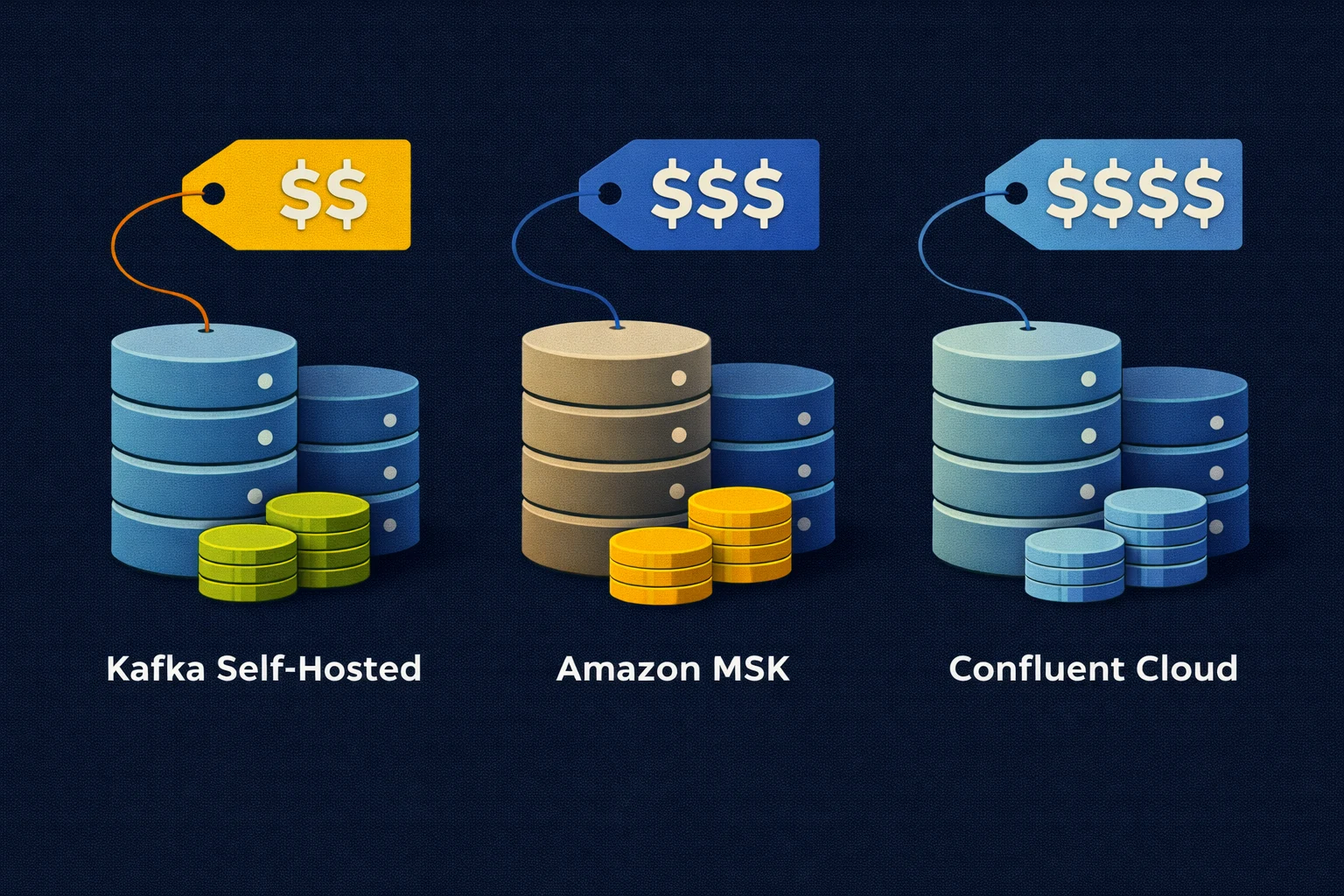
When you’re choosing where to run Apache Kafka® the budget needs to include the data your applications write and every copy they retain or read. Let’s work through those costs for self-hosted Kafka with Strimzi and AxonOps alongside Amazon MSK and Confluent Cloud.
We’ll use 100 GiB of writes a day with seven days of retention and two consumer groups. That gives us enough information to calculate storage and traffic before choosing the compute capacity and adding the work your team will own.
Prices and billing descriptions checked on 1 October 2026. Amounts are illustrative USD budgets before tax or negotiated discounts. The examples below are calculations rather than measured deployments or claims of equivalent performance.
Workload Assumptions
Our cluster has been running long enough to hold a full seven days of data throughout the billing month. Each consumer group reads every record once and the topics use time-based deletion.
| Input | Value |
|---|---|
| Billing period | 30 days or 720 hours |
| Compressed record data written | 100 GiB per day |
| Consumer groups reading the full stream | Two |
| Retention | Seven days |
| Self-hosted replication factor | Three across three Availability Zones |
| Planned data-disk utilisation | 70% after replication |
| Monthly writes | 3,000 GiB |
| Monthly reads | 6,000 GiB before replay or retries |
| Retained data before replication | 700 GiB |
We use GiB for 2^30 bytes throughout the calculation rather than a decimal GB of one billion bytes. Confluent uses binary GB in its billing definitions so its quoted GB corresponds to our GiB.
The compressed records are the starting point for this example. A production budget also needs measured wire traffic and an allowance for indexes and internal topics because the storage and network counters won’t necessarily report the same number of bytes.
Kafka Hosting Charges
MSK Standard and Express need separate estimates because their storage and ingestion charges work differently.
| Charge | Self-hosted Kafka | MSK Standard | MSK Express | Confluent Cloud |
|---|---|---|---|---|
| Compute | Brokers and KRaft controllers | Broker hours | Broker hours | eCKU or Dedicated CKU hours |
| Storage | Provisioned disks for replicas and spare capacity | Provisioned broker storage | Used service storage | Metered service storage |
| Writes and reads | Infrastructure and applicable network charges | Applicable client network charges | Ingestion fee and applicable client network charges | Metered ingress and egress |
| Replication traffic | Include cross-zone network charges | In-cluster transfer included | In-cluster transfer included | Check the service billing terms |
| Supporting services | Include Connect and Schema Registry hosting | Include required supporting services | Include required supporting services | Include the managed features you use |
AWS’s N. Virginia pricing examples list Standard kafka.m7g.large at $0.204 per broker-hour and Express express.m7g.large at $0.408. They show storage at $0.10 per GB-month and an Express ingestion charge of $0.01 per GB.
Confluent’s public rate card lists Standard at $0.75 per eCKU-hour with ingress and egress between $0.035 and $0.050 per GB. We’ll retain that range because it isn’t a quote for a selected cloud region.
These rates tell us how to price a chosen configuration. Sizing still needs the expected partition count and peak workload plus enough capacity to keep serving clients during maintenance or a failure.
Storage and Retention
Seven days at 100 GiB a day leaves 700 GiB of topic data before replication. Three replicas need 2,100 GiB and our 70% utilisation allowance brings the provisioned data disks to 3,000 GiB.
Retained topic data    = 100 GiB/day x 7 days =   700 GiB
Three replicas         = 700 GiB x 3          = 2,100 GiB
Provisioned data disks = 2,100 GiB / 0.70      = 3,000 GiB
Using the illustrative $0.08 per GB-month rate in the EBS gp3 pricing example gives $240 a month for these data disks. This is a capacity-only example rather than a complete storage quote for an unspecified region.
EBS volumes are provisioned in GiB as described in the volume specifications. We still need to select the required IOPS and throughput and include root volumes and controller storage in the deployment budget.
| Retention | Topic data before replication | Three replicas | Data disks at 70% utilisation | At the illustrative gp3 rate |
|---|---|---|---|---|
| Seven days | 700 GiB | 2,100 GiB | 3,000 GiB | $240/month |
| Thirty days | 3,000 GiB | 9,000 GiB | 12,858 GiB rounded up | $1,028.64/month |
We haven’t increased the write rate to get the higher bill in the second row. Keeping the same records for longer adds the storage requirement. Compacted topics need a separate estimate based on retained keys and compaction behaviour.
MSK Standard also bills provisioned storage. Its storage controls use GiB per broker so a three-broker configuration with 1,000 GiB per broker gives the same 3,000 GiB capacity allowance. At the published example rate that adds $300 a month before any extra throughput charges.
Express manages storage without asking you to provision those volumes. Use its billable stored quantity instead of transferring our 3,000 GiB provisioned-disk allowance into the Express estimate.
Confluent’s public descriptions need clarification before quoting a storage total. Its pricing page labels the displayed storage rate as pre-replication while its billing FAQ describes post-replication storage. Obtain the applicable rate and volume basis together from a regional quote or billing record. Do not apply a pre-replication rate to a post-replication quantity.
Producer and Consumer Traffic
Each consumer group reads the stream independently. Adding a second group doubles the record data read in this example while adding members within a group distributes that group’s existing work.
Our monthly 3,000 GiB of writes and 6,000 GiB of reads give 9,000 GiB to price. Applying the published Confluent Standard traffic range gives the following record-data estimate.
At $0.035 per GiB = 9,000 x $0.035 = $315/month
At $0.050 per GiB = 9,000 x $0.050 = $450/month
The $315 to $450 range assumes both directions use the same end of that rate range. Actual charges depend on the selected region and billable request traffic. Replaying a topic adds reads even if the producers don’t write another record.
For Express the equivalent ingestion calculation is the month’s billable write volume multiplied by $0.01. Our 3,000 GiB is about 3,221.23 decimal GB. That would produce $30 using binary GB or $32.21 using decimal GB. Those are unit-conversion examples rather than two AWS prices. Confirm the byte definition of the applicable ingestion meter before using either in a quote.
Self-hosted Kafka also needs a network budget. With one replica in each of three zones every leader sends two copies across zone boundaries. Our example therefore transfers roughly 6,000 GiB between brokers before retries or replica recovery.
AWS’s regional transfer explanation describes a $0.01 per GB charge at each end for EC2-to-EC2 traffic across Availability Zones. Apply both charged ends to the provider’s billable quantity and add client traffic according to where applications run.
For 6,000 GiB that arithmetic is $120 if the billing GB is binary or about $128.85 if it is decimal. NAT gateways and other network services can add further charges. The MSK FAQ confirms that in-cluster replication transfer is included so this self-hosted replication charge should not be added to MSK.
Compute Capacity
A self-hosted design needs broker and KRaft controller capacity alongside resources for Kubernetes if you use it. Existing worker capacity still becomes unavailable to other applications when Kafka uses it.
Obtain a regional compute quote for the proposed machines and test them with your workload. In particular, AWS’s Express throughput guidance describes its managed service. It doesn’t establish the throughput of a self-hosted broker with a similar CPU count.
EKS adds $72 over 720 hours at its standard Kubernetes version support rate. An existing shared EKS cluster may avoid an additional cluster fee while still incurring its existing fee and the resources assigned to Kafka.
Three MSK brokers running for 720 hours cost $440.64 for Standard or $881.28 for Express at the example rates above. These are broker charges before storage and networking rather than equivalent deployments with proven capacity.
If Confluent Standard bills two eCKUs throughout the month the capacity calculation is 2 x $0.75 x 720 = $1,080. Combined with our record-traffic estimate that becomes $1,395 to $1,530 before storage and other services. Two eCKUs is a stated assumption for this calculation.
Confluent’s capacity limits also cover partitions and connections. A division of average write throughput by the per-eCKU limit is insufficient for sizing. Hourly billing follows the highest eCKU consumption in that hour so a busy period can affect the charge.
Completing the Budget
We can now see the calculated components alongside the amounts that still need a quote or a capacity test.
| Deployment | Calculated components for this example | Still to include |
|---|---|---|
| Self-hosted on EKS | $240 data disks at the illustrative rate plus $72 EKS fee | Broker and controller compute plus network charges and other disks |
| MSK Standard | $440.64 broker hours plus $300 provisioned storage | Applicable client traffic and any extra storage throughput |
| MSK Express | $881.28 broker hours | Metered ingestion and storage plus applicable client traffic |
| Confluent Standard | $1,395 to $1,530 for two continuous eCKUs and estimated record traffic | Confirmed storage billing plus other request traffic and selected services |
These are incomplete budgets rather than a cheapest-provider ranking. Each option also needs an allowance for supporting services and the operational responsibilities that remain with your team.
- Include the chosen Connect workers and Schema Registry deployment.
- Price the networking required by your security and availability design.
- Add operational tooling and any contracted support.
- Allow for upgrades and incidents alongside routine administration.
- Include recovery tests and temporary capacity for migrations or large replays.
Obtain comparable quotes using the same region and availability requirements. Published list rates and discounted offers should be identified separately for every provider. A discounted calculator result needs the same workload and operating assumptions as your own estimate before it can demonstrate savings.
Operating Kafka with AxonOps
Self-hosting gives you control over the infrastructure and Kafka configuration. Strimzi manages Kafka resources through Kubernetes operators while AxonOps brings the operational work into one interface.
| Work | How AxonOps helps |
|---|---|
| Capacity planning | Compare broker and topic activity with resource utilisation before choosing hardware or extending retention |
| Investigation | Use monitoring and alerts to investigate cluster health and consumer lag |
| Administration | Manage topics and ACLs alongside Kafka Connect and Schema Registry |
| Operating across environments | Keep a consistent management interface while choosing where Kafka runs |
Start with Kafka monitoring to understand the workload behind the budget. You can then manage topics and ACLs alongside Connect and Schema Registry through the same platform.
The Strimzi and AxonOps deployment guide shows the components you need to run. Running Kafka at Scale covers the operational workflow to include when estimating the team’s work.
Your team still owns infrastructure availability and recovery in a self-hosted deployment. Include that responsibility and an actual AxonOps plan or support quote rather than assigning an invented per-broker tooling fee.
Choosing Where to Run Kafka
For teams that want to choose their infrastructure and retain control of Kafka configuration, Strimzi and AxonOps provide a practical self-hosted approach. The budget should use measured demand and a deployment tested under failure conditions so the apparent saving isn’t dependent on running without spare capacity.
MSK takes on more broker lifecycle work within AWS. Confluent Cloud adds a broader managed platform whose included features need to be assessed alongside its usage charges. Neither choice removes the application’s requirements for retention and recovery or the team’s responsibility for how topics and consumers behave.
Use the completed budget to compare the amount you pay with the work and control you retain. You can try the AxonOps demo sandbox or talk through your Kafka deployment with an AxonOps expert when preparing your own estimate.